Differentiate the lesson
Choose Support, Core and Challenge practice, then save variants together when needed.
Generate the practice your pupils actually need. Choose a mathematical focus, shape the questions and print a strip that fits their exercise books.
Built for teachers · Reception–Year 6 · Development preview
From the Nimbus worksheet builder
Nimbus complements the sequence you teach. It gives you control when your class needs a different route through the mathematics.
Choose Support, Core and Challenge practice, then save variants together when needed.
Return to earlier learning with new numbers, or combine two focuses on one strip.
Find a particular skill or misconception, including earlier-year practice.
Start with one focus and print immediately, or save several labelled variations together as a named lesson for batch printing.
Teaching sequences matter. So does recognising when pupils need another example, a different level of challenge or an opportunity to revisit a skill.
A curriculum sequence keeps learning moving. Pupils, however, don't all consolidate mathematical ideas at the same pace. Teachers often need specific extra practice that isn't conveniently available in a scheme's worksheets.
Nimbus doesn't prescribe how to teach. It lets you select mathematical content, control the question types and quantities, and create differentiated strips using the same question bank.
Use one focus for today's concept, add reasoning when appropriate, or revisit earlier learning. Print directly into exercise books so pupils can show their own methods underneath.
Three printing options. Choose the layout that suits the practice, then cut and stick the questions into books so pupils have room to show their thinking.
For straightforward class practice: print two copies of the same strip side by side on an A4 sheet, then cut down the centre.
For an individual pupil or a shorter task. Print one strip, approximately 82 mm wide, and leave space in the book for written methods.
Save Support, Core and Challenge variations in the Lesson Workspace. Set copies and prepare one print job, with a teacher answer section at the end.
If a strip is cut off, reduce the question quantity, check A4 / scaling and try saving as PDF first. If a lesson bundle warns that a variation is too long, open and adjust that variation before preparing the bundle again.
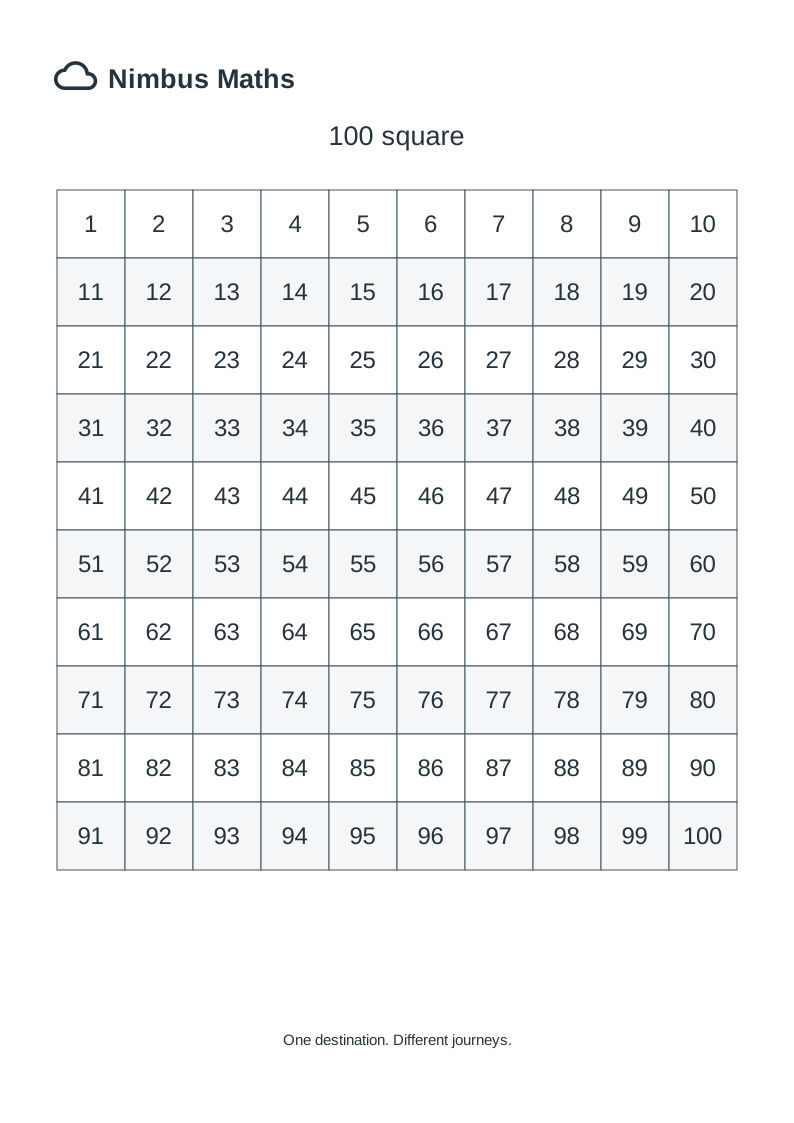
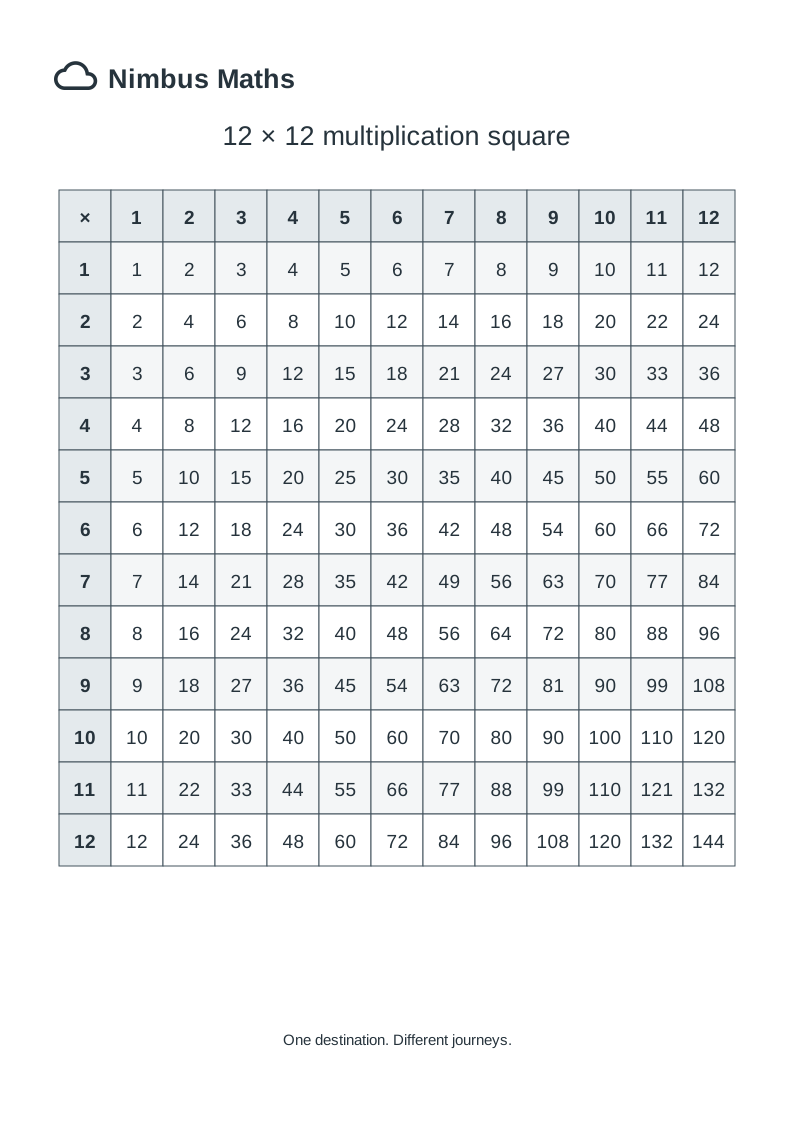
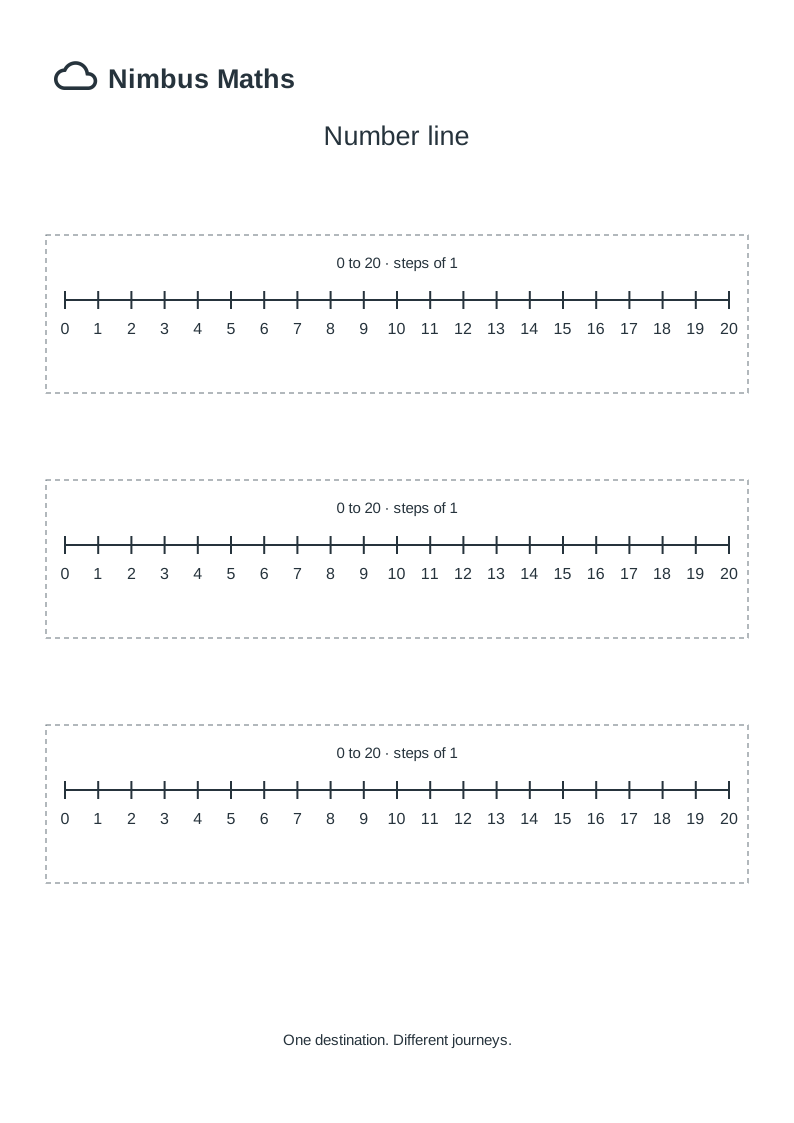
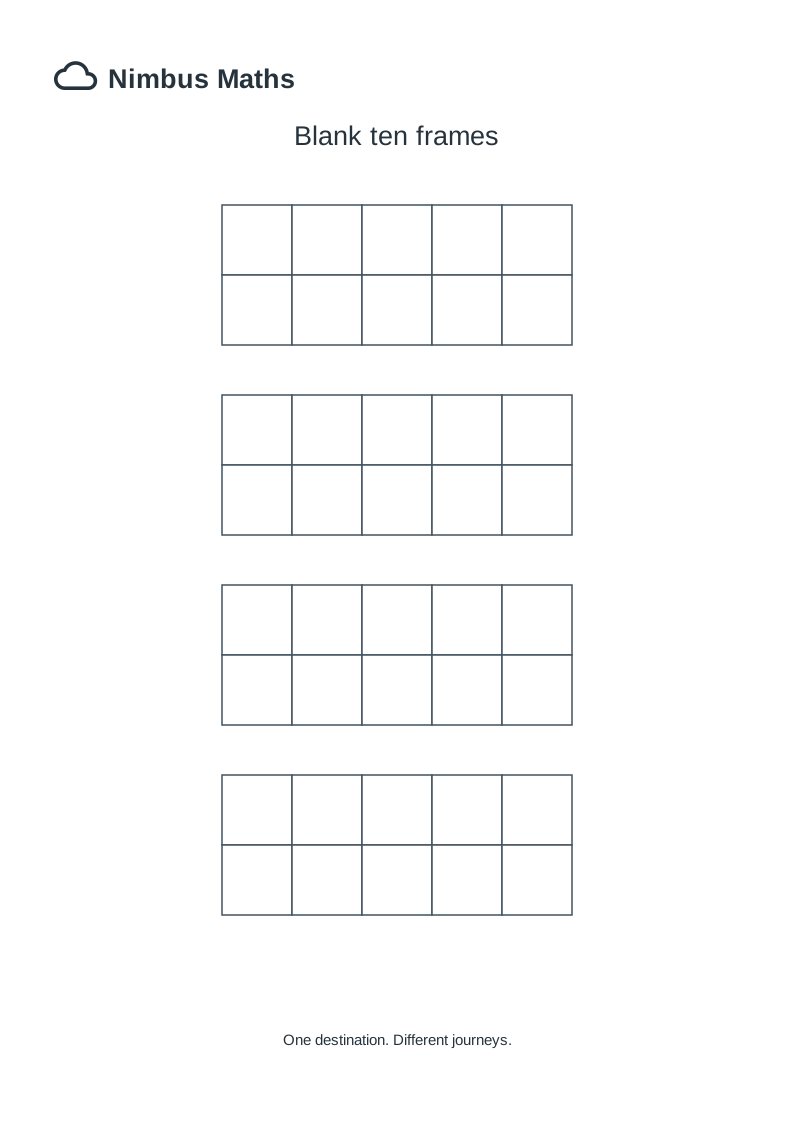
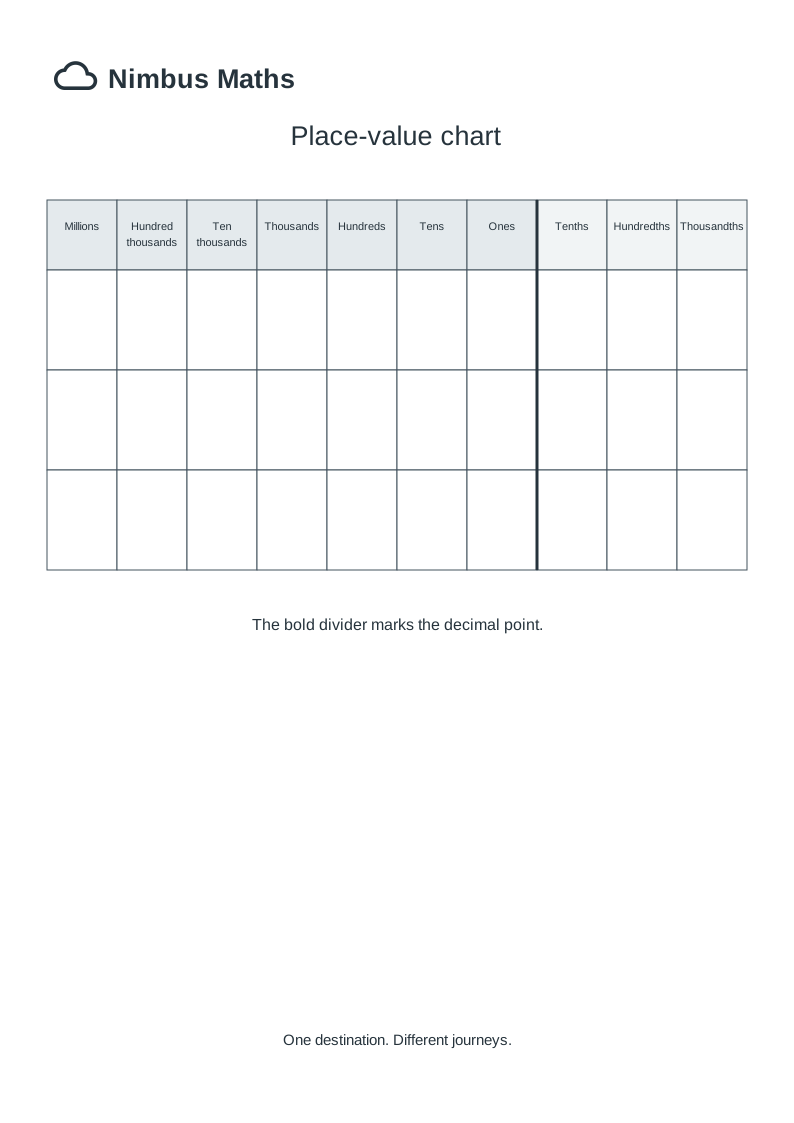
Classroom tools: the 100 square and multiplication square use one A4 page; number lines print as three matching strips, and blank ten frames print four per page. The place-value chart uses one A4 page. Download the SVG to reuse in documents, or use Print / Save PDF for a PDF copy.
One class. Different starting points. Find the maths, shape the practice, preview and print.
Search Year 5/6 statutory skills, then jump to a related question type. Coverage is still partial; use your judgement when selecting tasks.
These filters identify curricular relevance; the question generators currently share Year 5/6 number ranges. Check each question before using it with a specific class.
Year 5/6 question bank · year-specific numerical constraints are not yet enforced.
Curriculum expectations are paraphrased from DfE programmes of study. Teaching and coverage notes are Nimbus interpretations, not official DfE guidance. A strip alone cannot demonstrate mastery.
Read the official DfE programme ↗Save several differentiated variants under one lesson name. Set copy quantities and prepare one bundle; Quick Strip stays available below.
Choose a saved lesson and prepare its pupil copies. Answer keys will follow the pupil sheets in one print job.
Lessons are saved in this browser only. Export a JSON backup if moving computers or clearing browser data. No pupil information is collected.
Section 1Choose the core mathematical practice. Add another section only if you need it.
Save the selected focuses and question quantities, not the generated answers. Loading a setup produces new numbers. Stored in this browser only.
These are illustrative assessment-format examples for teacher reference, not verified extracts from released papers. They are not generated or inserted into the worksheet.